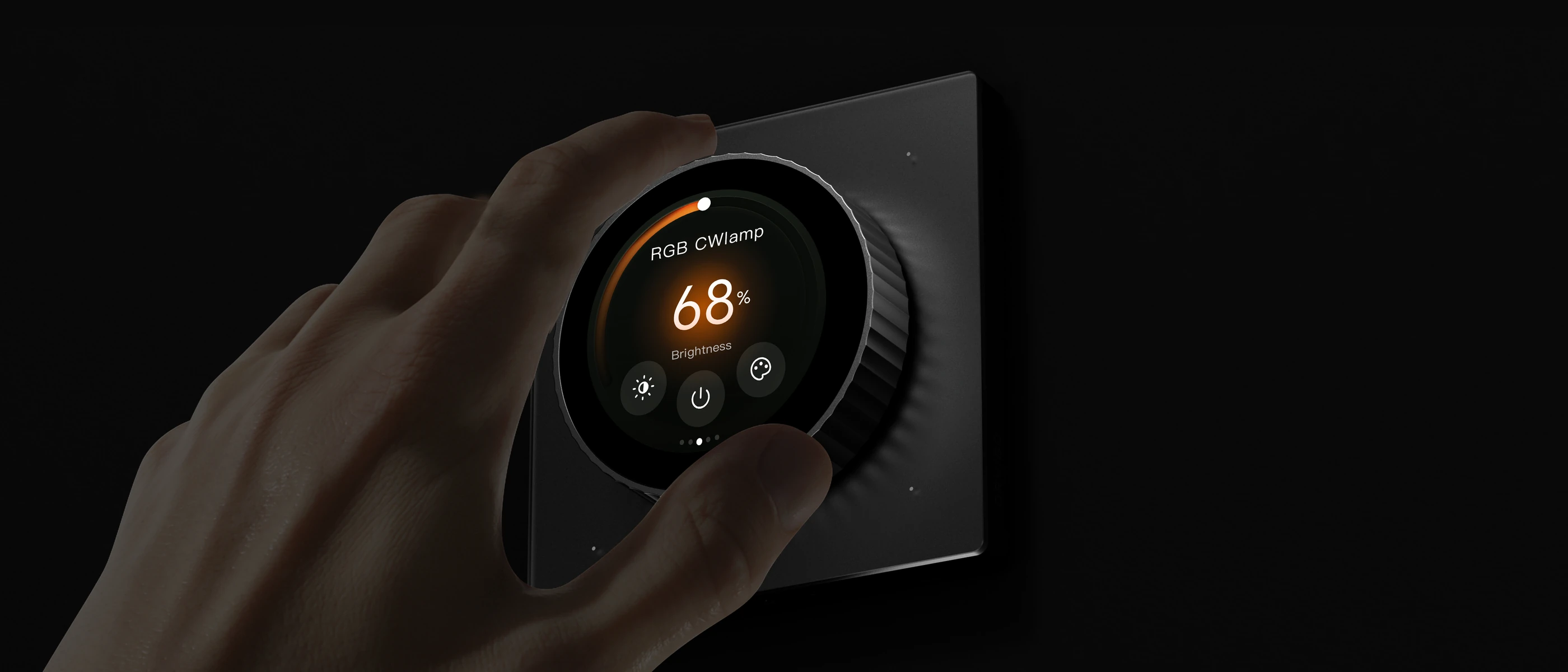
Two ways to feel in control
Turn.
Turn the physical dial to adjust a supported setting.
 HomeLet’s talk Menu
Gauss G1
A physical dial. A touch display. A natural way to adjust supported lighting, climate and curtains.
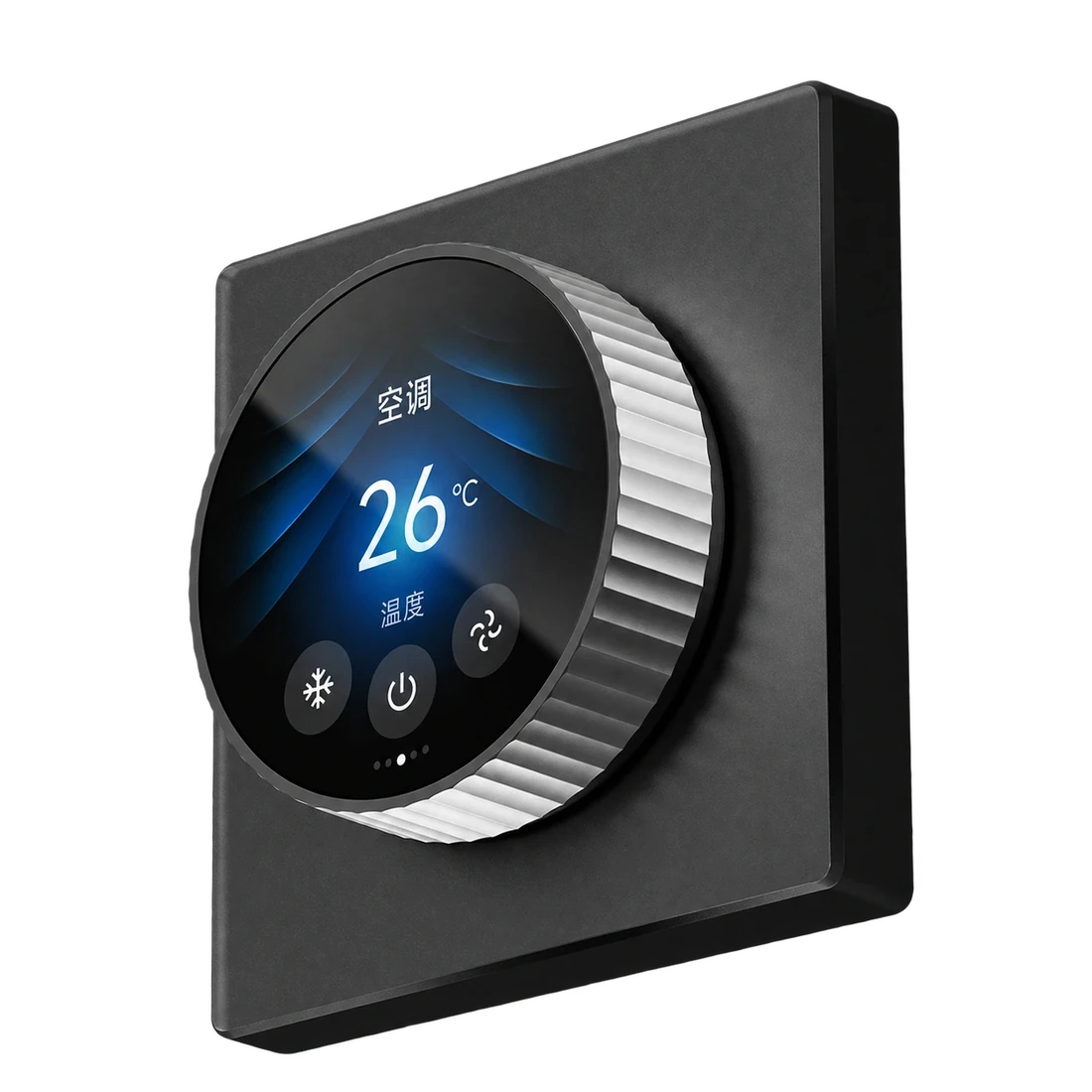
Turn the physical dial to adjust a supported setting.
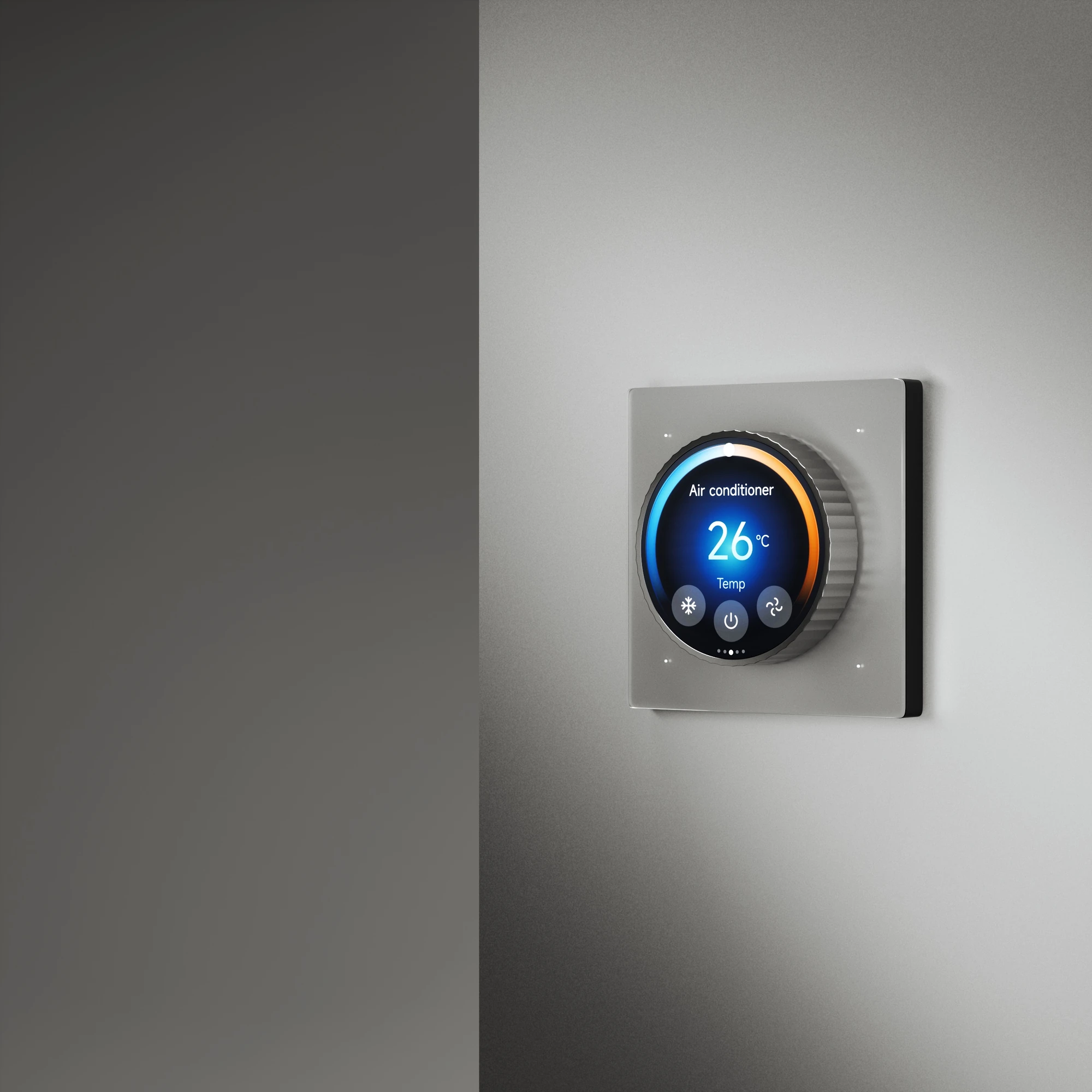
See and adjust supported room controls on the circular touch display.
Gauss G1
Choose the controls around the equipment in your home. Nova checks the connected systems and the functions your installation can support.
Explore the systemsBring supported lighting controls to the dial and display.
Adjust compatible climate equipment from your wall control.
Include supported curtain controls in your room’s setup.
Available functions depend on the connected products and installation.
Gauss G1
Dimensions, connections and installation details.
GV10
GV10 reference specification. Nova confirms the final model and installation requirements for your project.
Gauss G1
Tell us which room you are planning and what you want to control. We’ll help you check the equipment, placement and installation requirements.